Maple IPTV reviews and customer images
Inspect the supplied customer image gallery and learn what to check when evaluating an IPTV subscription.
Maple IPTV review images
Browse the supplied screenshots at their natural proportions.

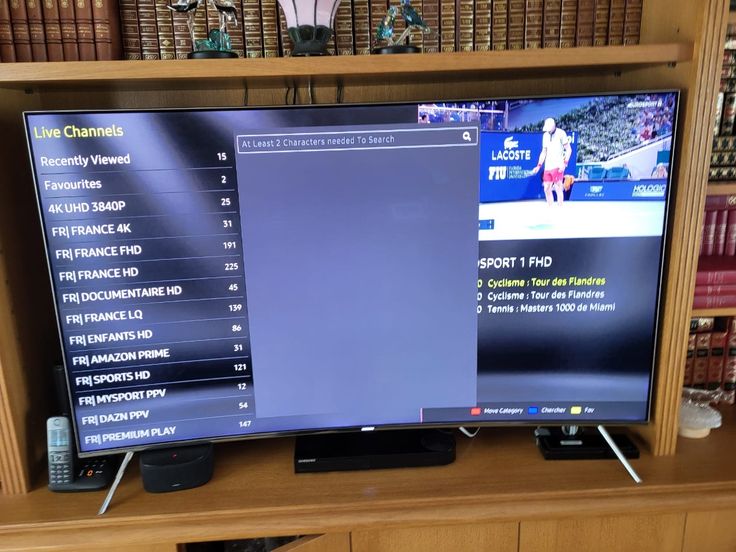
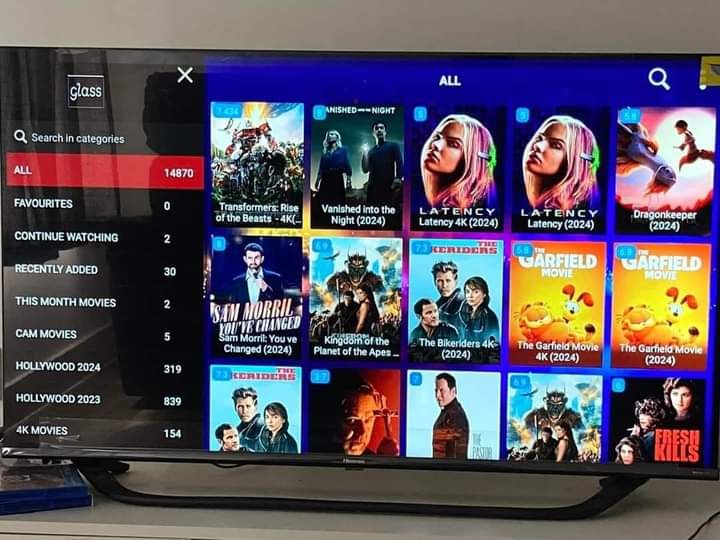
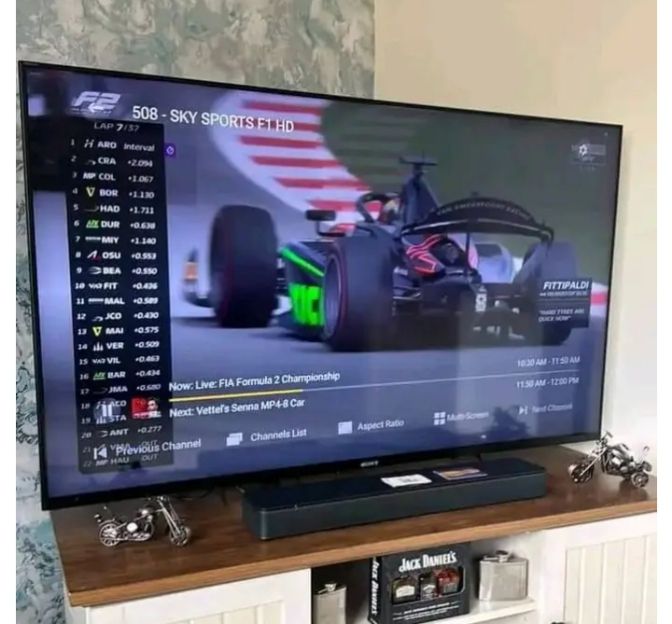
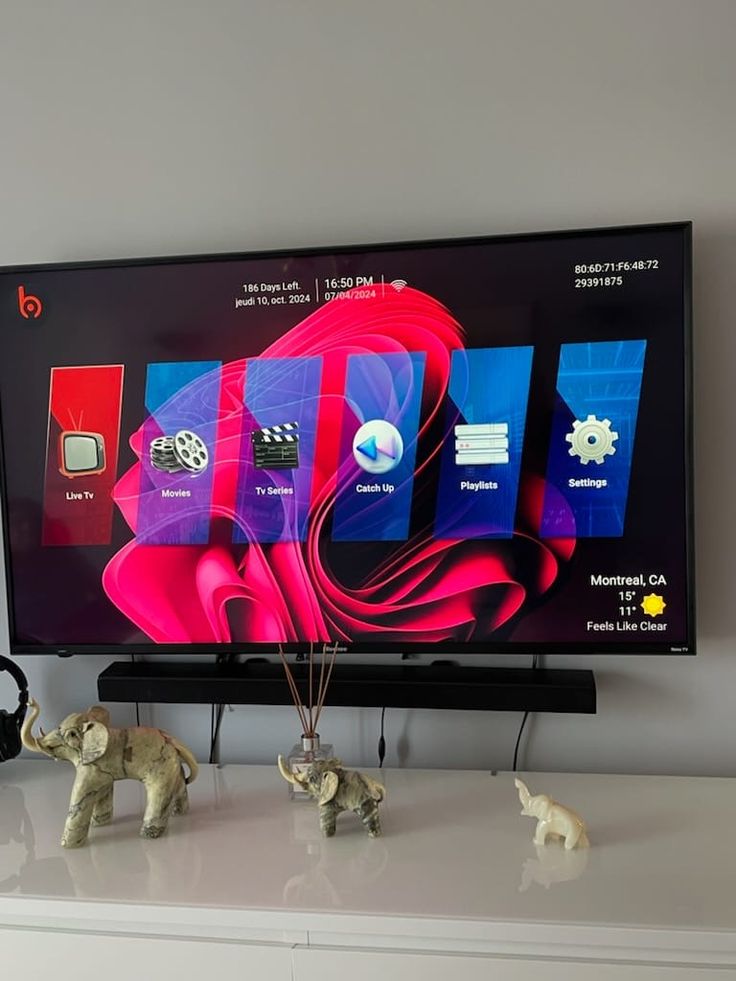
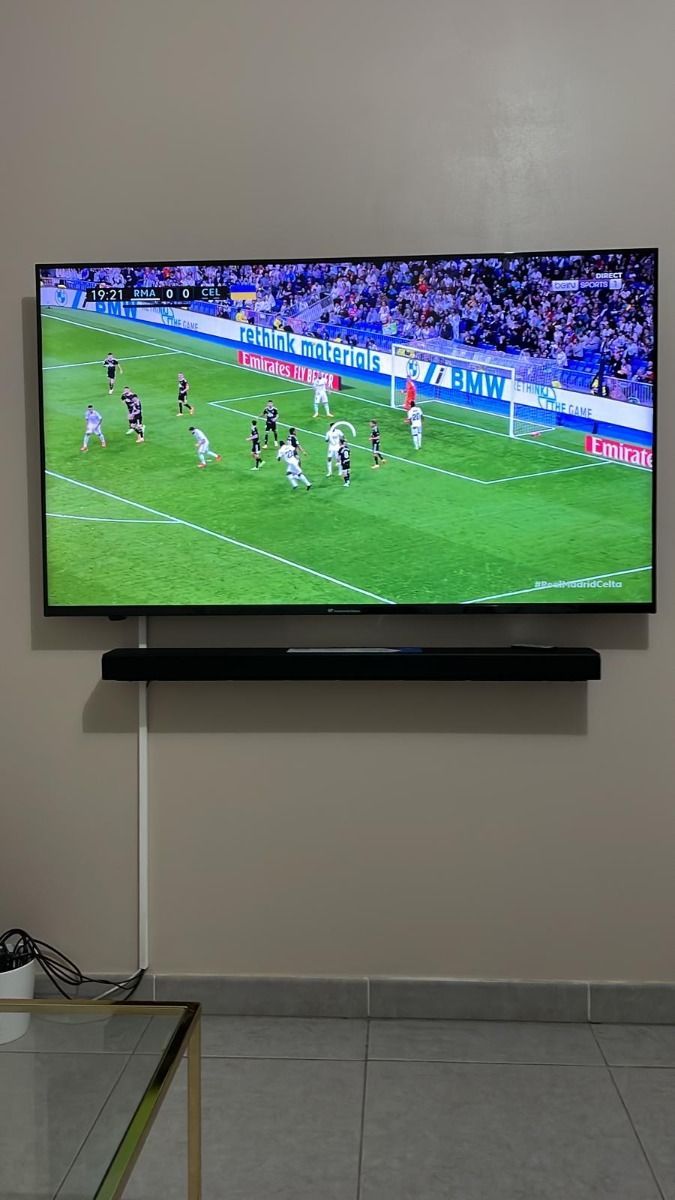
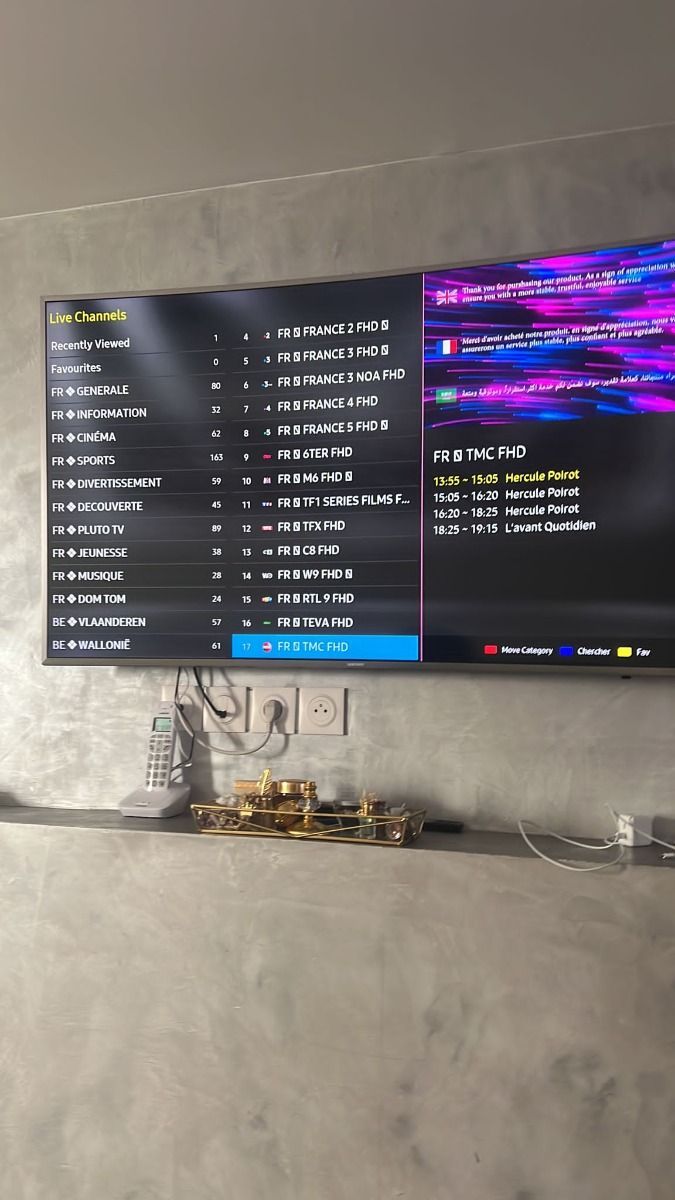
These images were supplied with the project. We cannot independently confirm customer identities, order status, or an aggregate star rating.
How to assess a streaming subscription
A useful review tells you about actual playback on your device, the channels a person watched, and how support handled a real question. Look for dates, context and a clear explanation of the device and network used.
Ask support for a current channel list and the exact plan total. Test your preferred app and your home connection. Reviews from another market or device may not predict your own experience.
Maple IPTV questions, answered
Find practical guidance on devices, support, content, and watching away from home.
What kind of customer support can I expect?
The supplied service brief says support is available 16 hours a day through WhatsApp in English, German, French, and Spanish. Ask the team for current hours before ordering.
How do support and payment work?
Contact support on WhatsApp with the plan you want. The team can explain activation and send a payment link. Check the amount, currency, and payment destination before you pay.
What devices can I use with Maple IPTV?
You can use a compatible player on many Smart TVs, Fire TV devices, Android phones and boxes, iPhone, iPad, Apple TV, Windows, and Mac. App availability depends on the device and its app store.
What channels and content are offered?
The supplied catalogue description includes international live TV, sport, films, series, and round-the-clock channels. Exact titles, regions, and availability can change, so request the current channel list before purchasing.
What internet speed do I need?
Plan for at least 10 Mbps for HD and around 25 Mbps for 4K. A wired connection or a strong Wi-Fi signal usually gives a more consistent experience.
Do I need a VPN?
A VPN is not a technical requirement for playback in most setups. Whether to use one depends on your privacy preferences and the laws and terms that apply where you watch.
Can I watch while travelling?
The service is designed for use with an internet connection away from home. Playback, catalogue access, and applicable rights may vary by location, so confirm your destination with support.
Ready to explore Maple IPTV?
Choose a plan that fits your devices, or ask support for a current catalogue and setup advice.